Ask it like you would
ask your bookkeeper
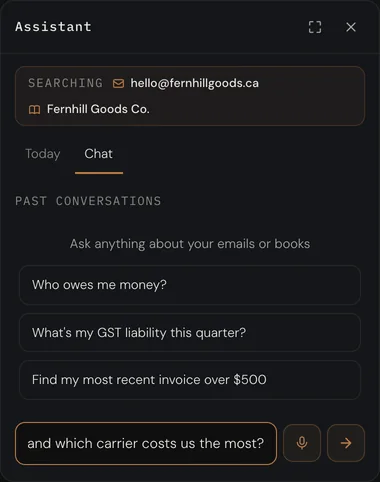
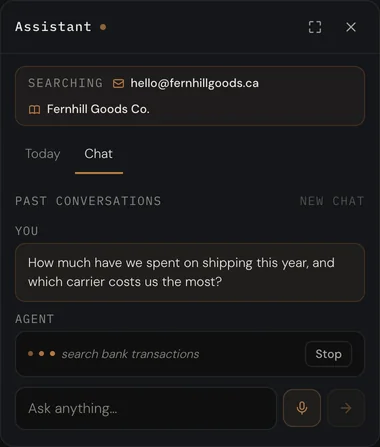
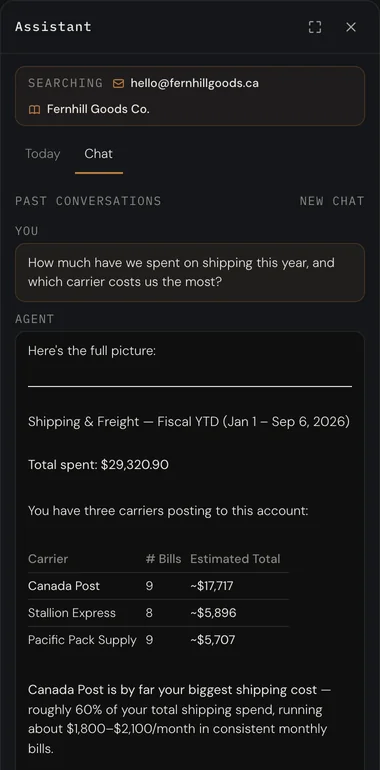
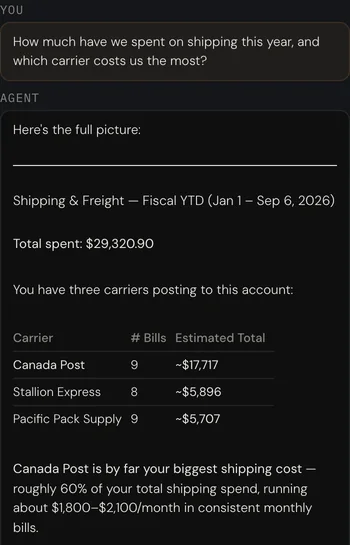
What did shipping cost this year, and who charged the most? Where is the August invoice from Kiln? Approve the bill that came in Friday. Ask in plain words. It answers from your actual books and your actual inbox, and shows its working.
Every answer on this page is the real assistant, over a real set of books.
It reads the ledger.
Not a summary of it.
A figure you can take to the bank, because it came from there
It pulls the expense breakdown, searches the bank feed for each carrier and reads the journal lines behind them. The total it quotes is the total on your P&L, because it is the same query, run for you.
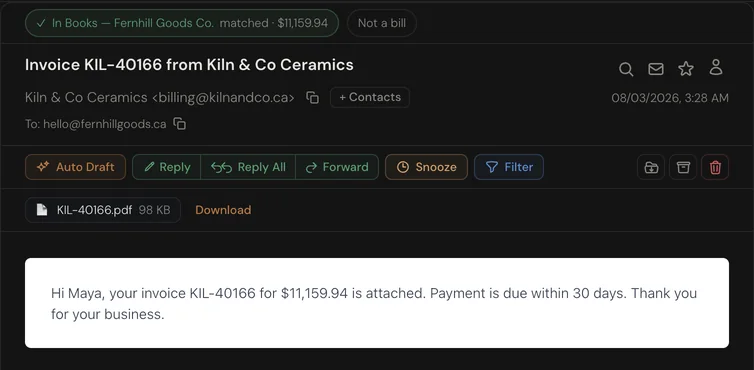
The invoice, and the email it came in on
Ask for a document and it searches the mailbox, names the invoice, the date and the amount, and hands you the message with the PDF ready to download. Already in the books, already matched to the bank.
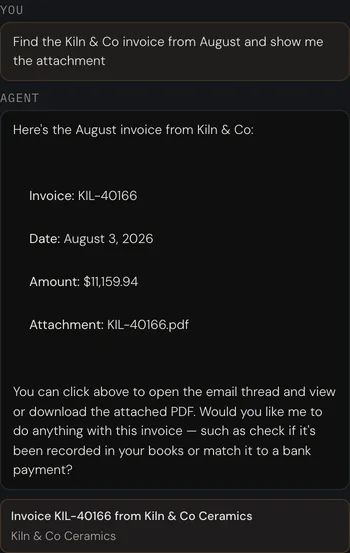
It can act. You approve.
Say approve. It finds the bill, drafts the posting and shows you the figure. Nothing posts until you press Approve, and the card says so. Every action it can take works this way: proposed, never taken.
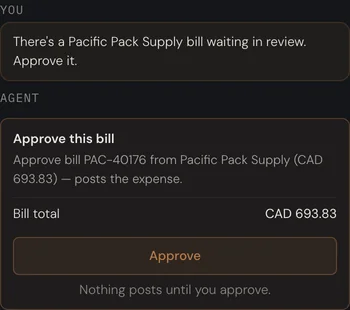
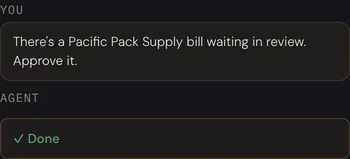
It proposes. You decide.
Nothing posts on its own.
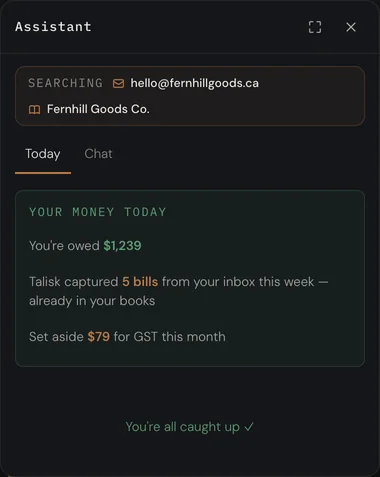
It opens with the money
What you are owed. What Talisk captured from your inbox this week, already in your books. What to set aside for GST. Then whatever needs you, and nothing that does not.
On every screen, and in your pocket
In the sidebar
One button on every screen opens it over whatever you are looking at. Ask, read, close it. The page underneath does not move.
By voice
On your phone, tap the mic and say it. The same assistant, the same books, from the van or the stockroom.
It shows its sources
An answer about an email links the email. An answer about a figure names the entries behind it. You can check it, every time.
Ask it something
Connect Gmail or Outlook, add your store and your bank. Then ask the first thing you have been meaning to look up.